

Adolph-Smith Gracius
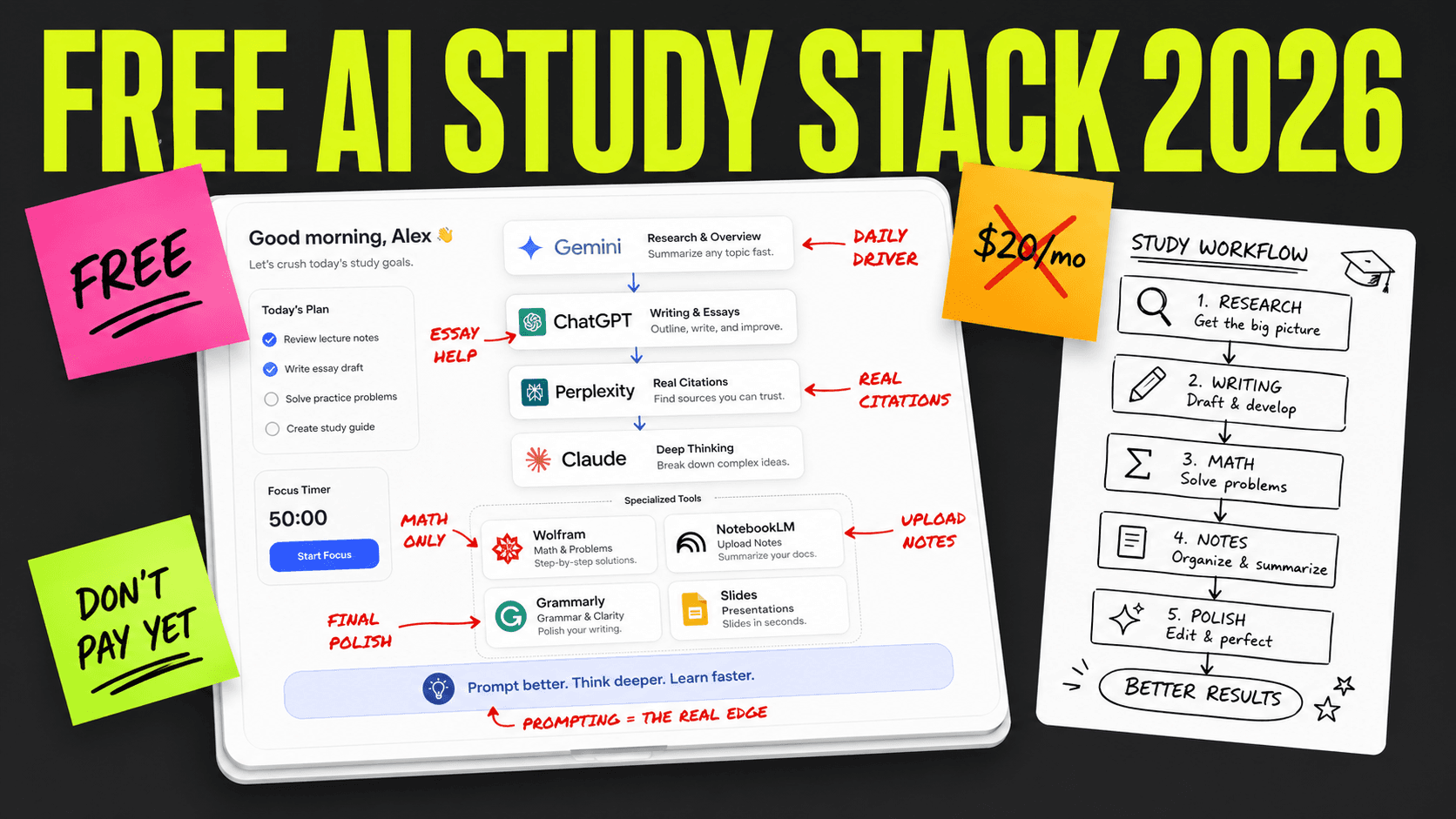
If you're a student in 2026 and feeling pretty motivated, there's a whole industry built around helping you study with AI.
It's called AI tutoring and some say it's faster than traditional studying, yet most of the good tools are free. I've seen students cut their study time by 30-50% just by using the right AI for the right task.
If you see a YouTuber telling you a $20/month tool is "essential for students," keep in mind they probably get a kickback for every signup. The reality is that most students will never need to pay a cent for AI in 2026.
It's a great time to be a student with AI. It's just not a great time to be guessing which tools to use.

Hi! I'm Adolph-Smith Gracius.
I've been building AI study systems for 4 years and tested them across models like ChatGPT, Claude, and Gemini. I also founded Vertech Academy, which helps thousands of students prepare for their exams every month.
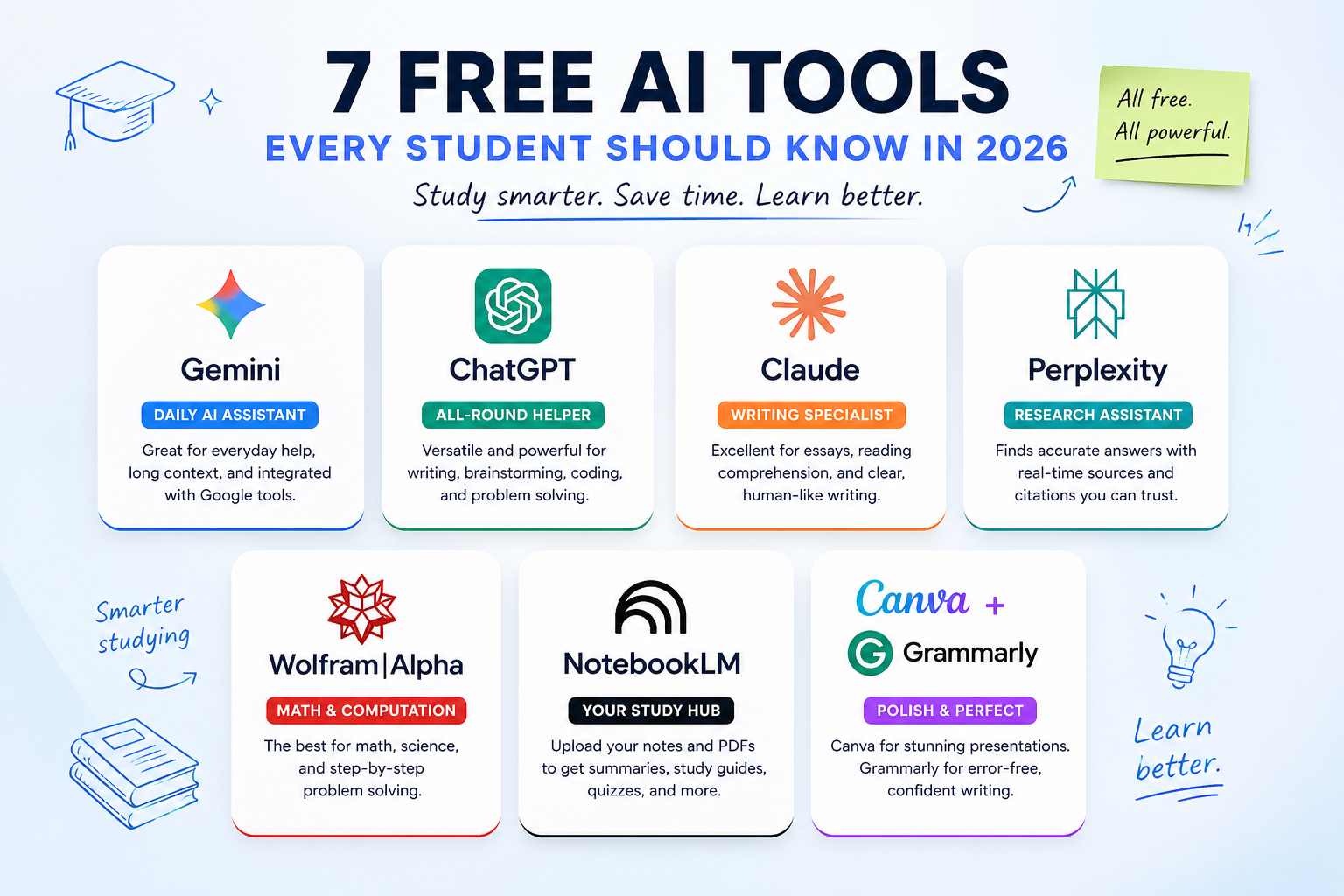
I decided to take a look at 7 free AI tools for you and give you my advice about them.
Of course I'm not all-knowing, but chances are I can spot a couple of things you may have missed. I will objectively look at 7 popular free AI tools for you today.
In some cases I noticed things that aren't that great. I also use these tools daily myself to test them. I am not trying to bash or badmouth anyone though. These are all solid tools — that's why they're here.
They all do have some flaws and that's what I want to talk about.
And then I'll show you a smarter way to combine them. A free path that beats most paid plans.
Should I use AI to study?
When students ask me whether they should pay for an AI tool, I always tell them the same thing:
Try the free plans first. See if you actually use them. Some students get hooked on a $20/month plan and end up paying for a tool they barely open.
Try it out first! It's a much safer choice than locking into a subscription, only to realize the free version was enough.
Free AI tools can help you with that.
Let's go over 7 popular ones, and a special, 8th path that combines a couple of options and I think that's even better.
What does "study with AI" actually mean and why does it matter?
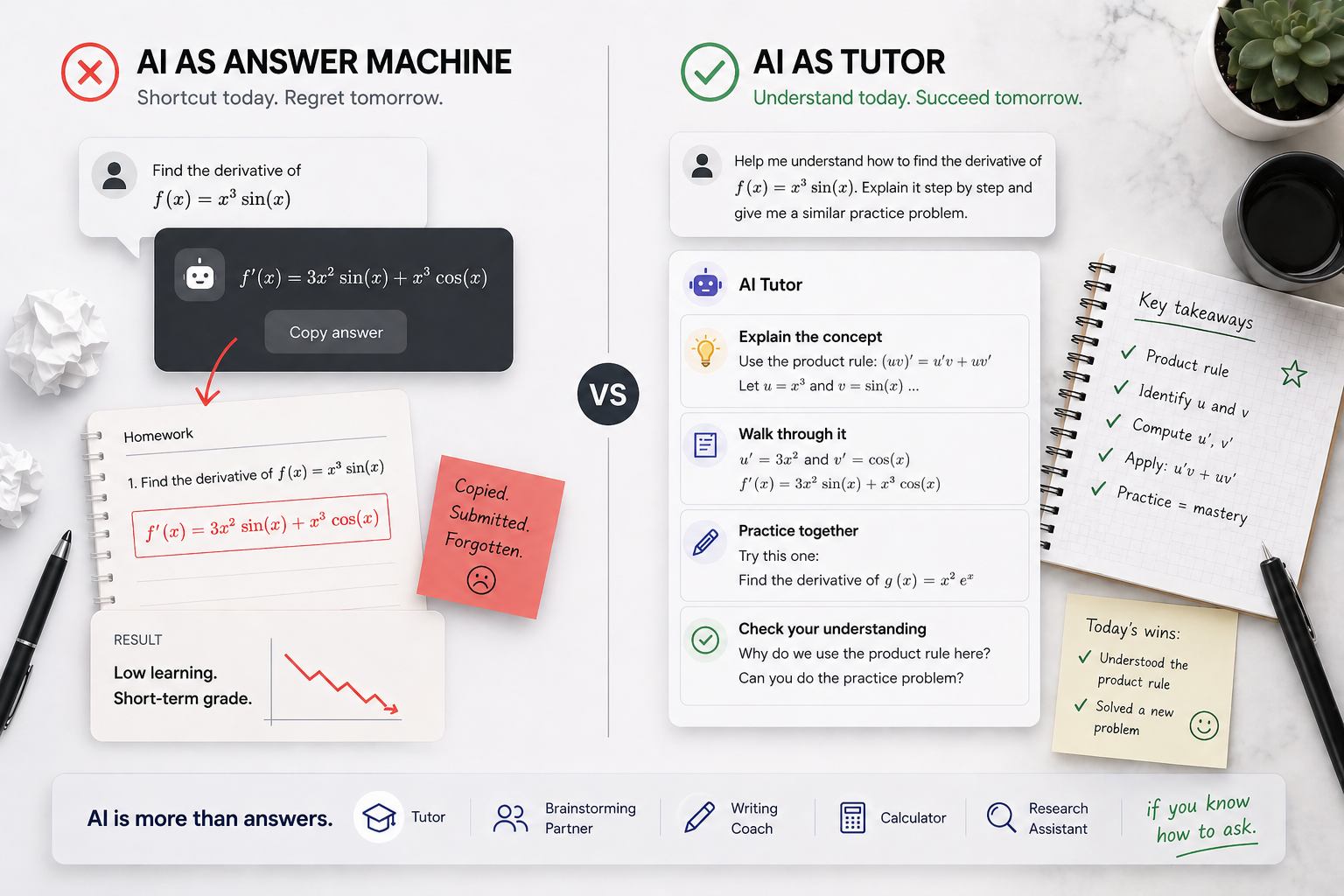
There are two ways to use AI as a student. One of them works. The other one gets you in trouble.
The first way is using AI as an answer machine. You paste your homework in, get the answer, copy it down. Many students do this and the job of a good prompt is to stop them.
To make AI act like a tutor instead.
A big part of studying is the learning. It stands for actually understanding the material — not just submitting it.
The tutor way also produces better grades. It's the part that matters, so it clearly belongs together.
Some treat AI like Google. But that implies AI is just a search engine. It's much more than that.
AI is a tutor. AI is a brainstorming partner, a writing coach, and many other things combined. It's also a calculator and a research assistant — but that's only if you know how to ask.
Should I learn prompting, AI tools, or both?
Can I just pick a good AI and skip the prompting part? That's a question I also get a lot from students. Back when ChatGPT first launched (around 2022-2023) you could get away with that.
It was possible to "just" type your question and get a usable answer. It mostly involved asking simple things and copying the response.
That time has now mostly passed.
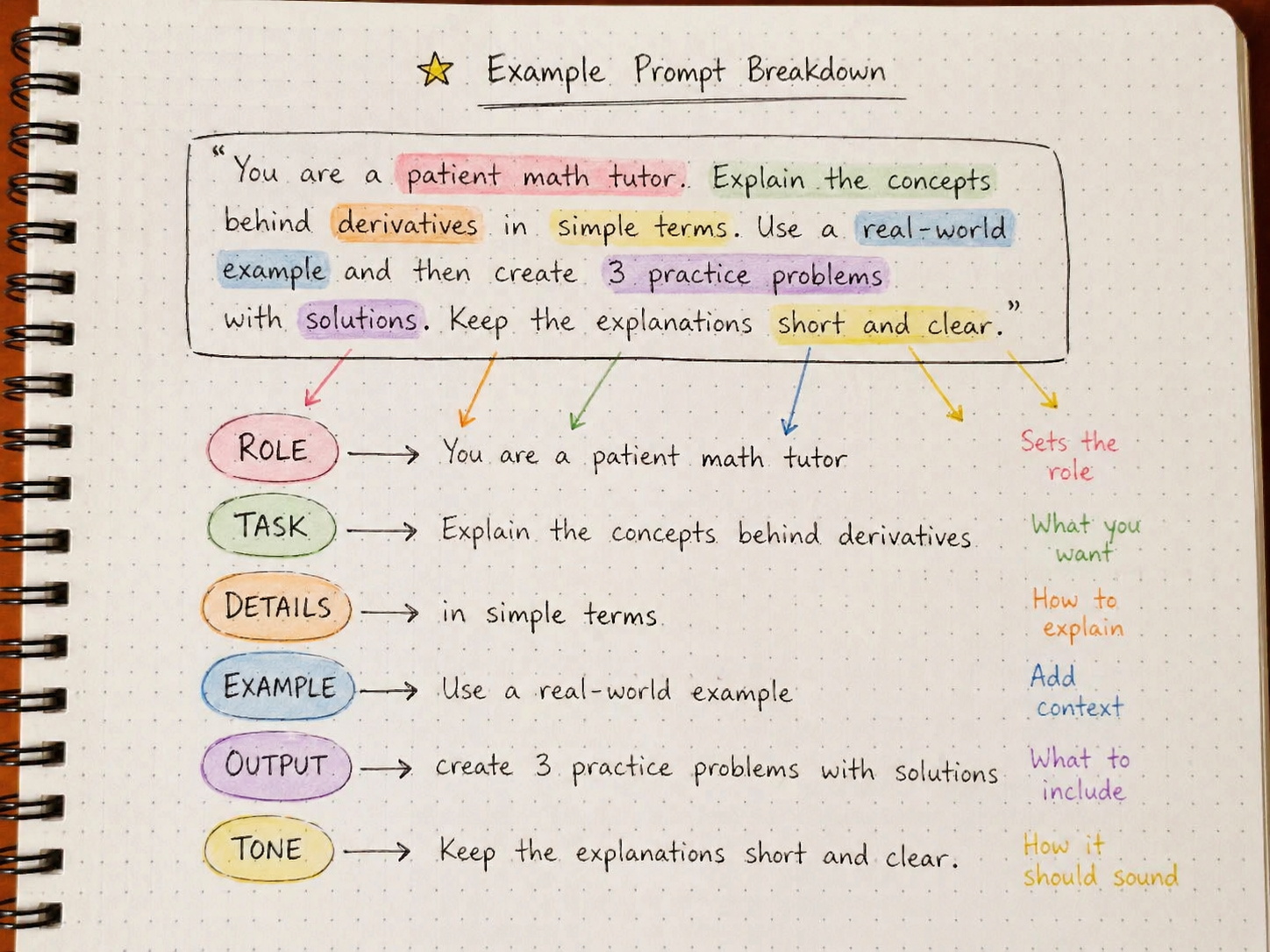
In 2026 however the landscape has shifted towards specifics. A skilled student in 2026 is one who knows both which tool to use and how to prompt it well. They can pick the right AI for the task AND get useful, personalized output from it.
Are free AI tools enough?
The best way to use AI for studying is starting with free tools. They're often genuinely powerful, more than enough for most coursework, and you don't lock yourself into a subscription.
Should you pay for AI just to feel like you have an edge?
Many students pay for Pro plans only because they want to feel ahead. They've heard "GPT-5 Pro is 10x better" or "Claude Opus is the smart one." They figure they'll get a bump.
Sure. The paid models are smarter. That can help on harder tasks. It's not as life-changing as you'd think though.
A paid plan (from any provider) is just a slightly better version of the free model. It shows that you can afford $20/month (cool, congrats!) but doesn't prove you'll get better grades.
If you're serious about using AI to actually learn in 2026, I'd focus on prompting skills first, paid plans second.
So unless you're regularly hitting limits on the free tier, don't pay for it just to feel premium.
Use it to learn!

The 7 free AI tools worth using in 2026
Here are seven of the best free AI tools that will genuinely help you study.
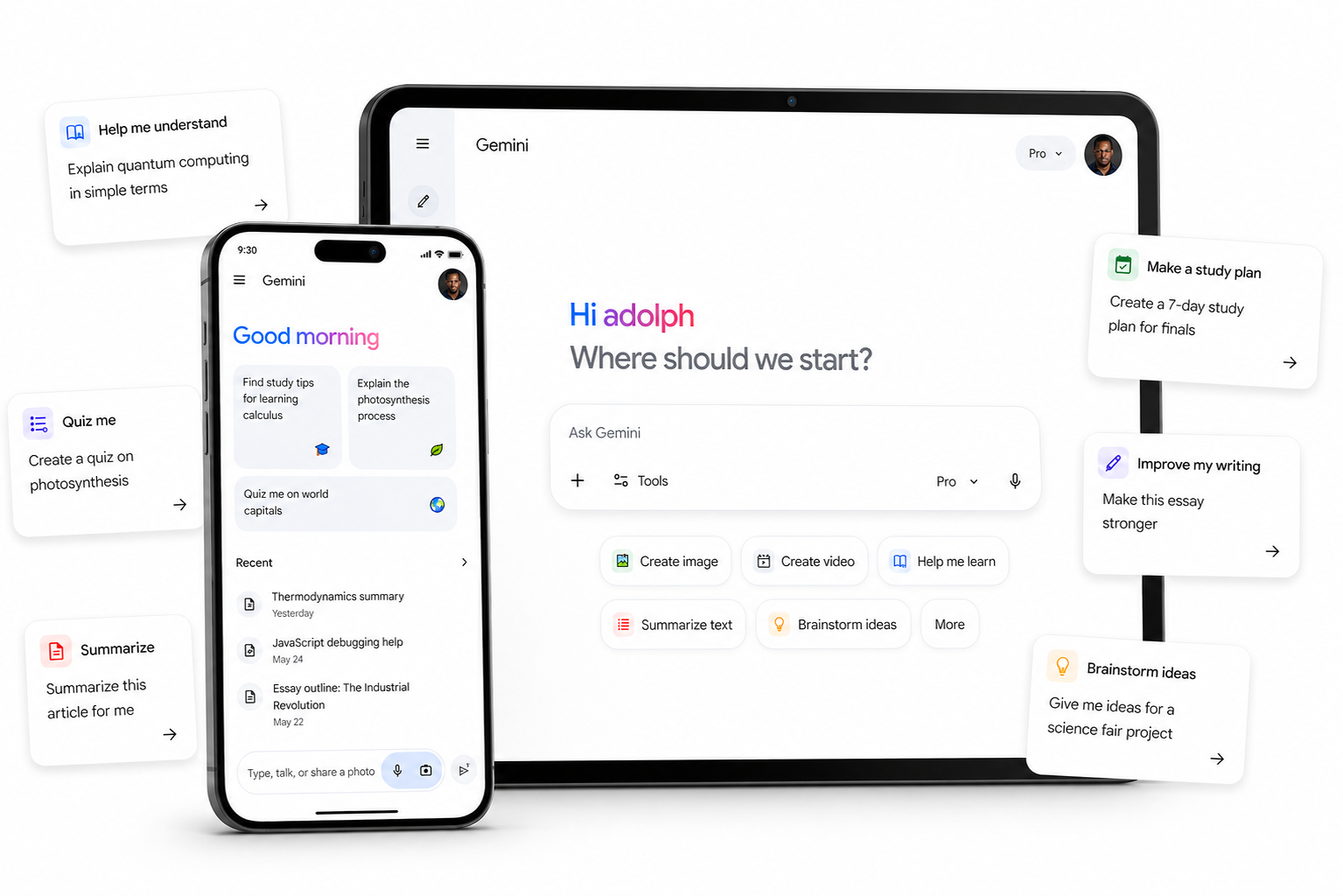
1. Google Gemini
This tool is great for students who want a powerful free AI without paying anything. The student plan is the standout deal of 2026 and clear, friendly to use.
It takes quite some time — around 30 seconds to verify with your .edu email through SheerID. So if you're planning to claim it after class that's roughly how fast it'll take. You can finish it faster. I've seen students do it in 20 seconds too.
The plan covers Gemini 3.1 Pro, Deep Research, NotebookLM Plus, the Gemini assistant inside Google Docs and Slides, and 2TB of cloud storage.
The plan is available at gemini.google/students, and you can claim it at your own pace. The biggest issue is that Google quietly downgraded the offer in some regions over the summer.
What used to be 12 months became 1 month, and they didn't announce it. That can keep you in the dark for a while.
Price-wise it'll likely be free for the first 12 months if you're in an eligible region. If you're in a downgraded region, you'll get 1 month free. There are also ways to extend by stacking with Google's other student programs.
When the free period ends, it auto-renews at $20/month. Set a calendar reminder for 11 months from now or you'll donate $20 to Google by accident! The main issue is that thousands of students forget about this every year.
Ultimately it will be your prompting skills, not the tool, that decide how much you get out of it.
You can also read more about getting the most out of Gemini here: How to use Gemini to study
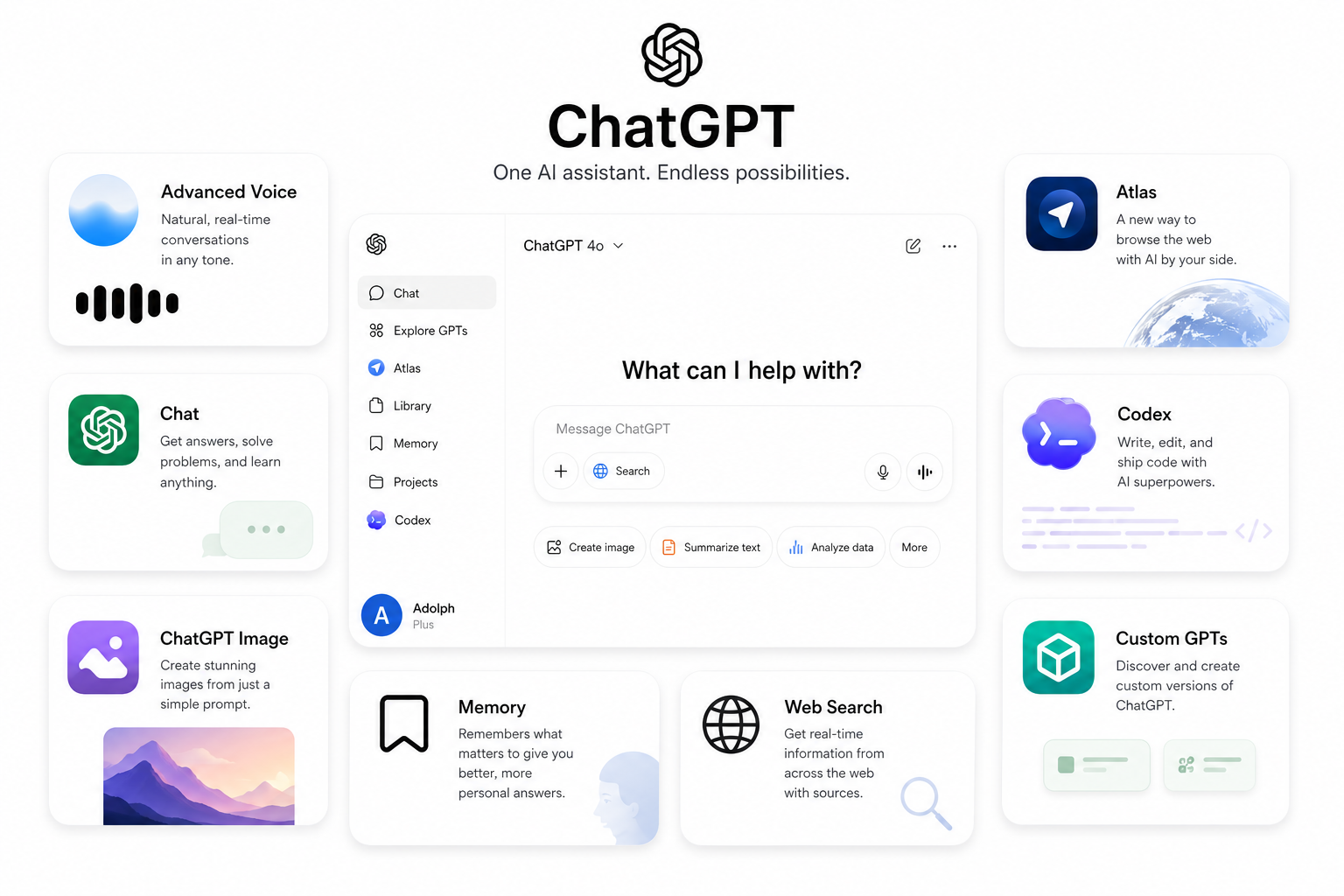
2. ChatGPT
If you want the broadest feature set on a free plan, this is still the one to use!
In this tool, you get file uploads, image generation, and basic data analysis — all on the free tier.
It takes about 10 messages every 5 hours before it drops to a lighter fallback model.
It is more limited (at 10 messages per 5 hours) than some other free tools.
What may sweeten the deal is that it works well across so many tasks. They claim hundreds of millions of free users worldwide. Not bad.
Remember though, that ChatGPT has no student discount. And if you're hitting limits often, paying $20/month for Plus can be very tempting — but the rotation strategy I'll show you later is much smarter.
The pricing varies between free and $20/month depending on whether you upgrade. The free tier is genuinely usable, but you do have to manage your message budget. Plus does give you GPT-5 Pro and unlimited usage on the standard model. That can be very helpful for students working on long projects. Especially for those who REALLY need more capacity, not just better answers.
It is called the most popular AI, but students I work with who use it heavily say it's actually mostly a generalist with some real weaknesses. They did enjoy it though.
The brainstorming and outline workflows are really strong. That makes the free tier promising. At first glance I liked what I saw.
They do have a full Pro programme though, but that is costly at $20/month or $200/year. I wouldn't recommend a beginner jumping in and spending cash like that before testing the free tier first.
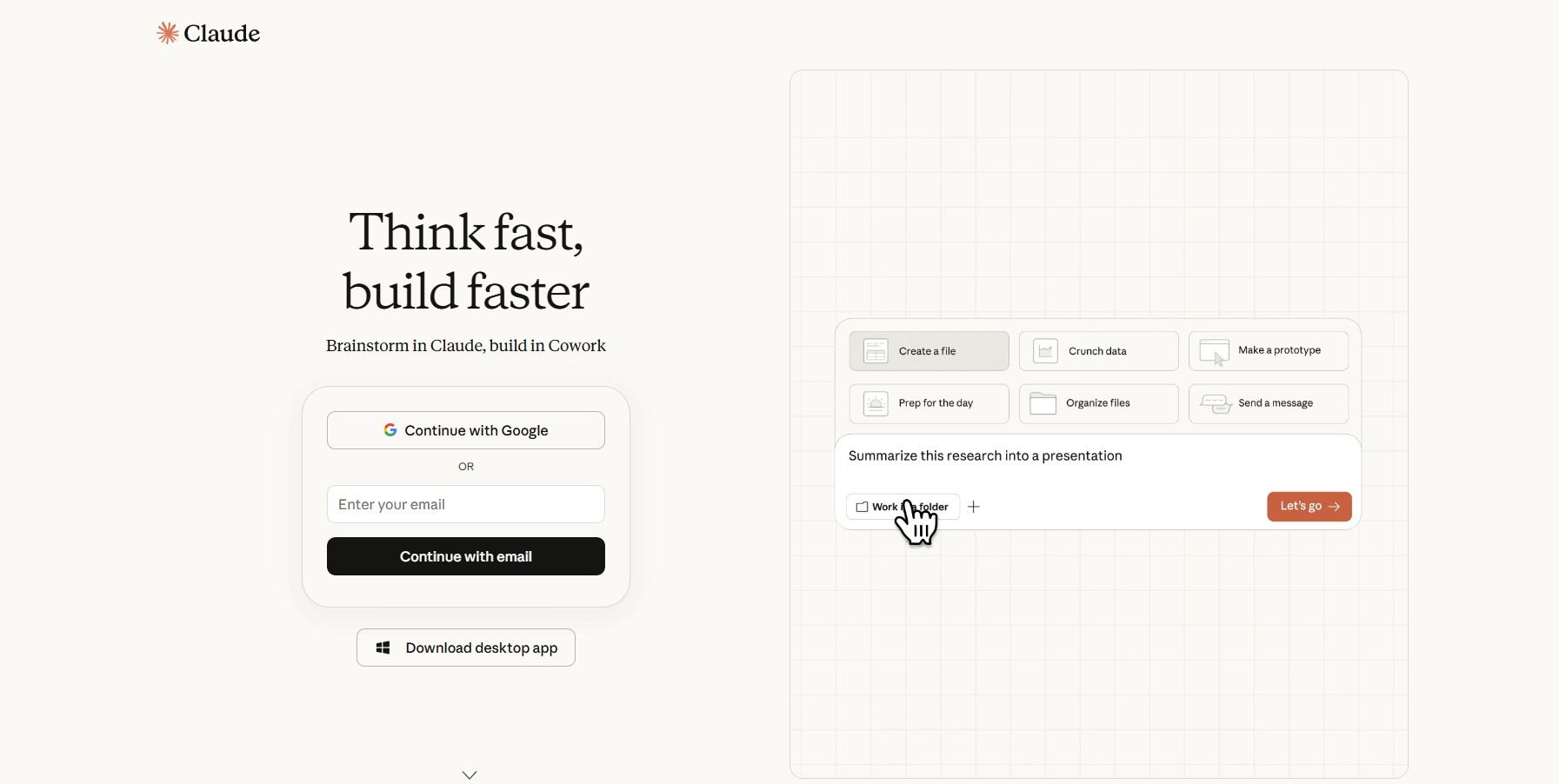
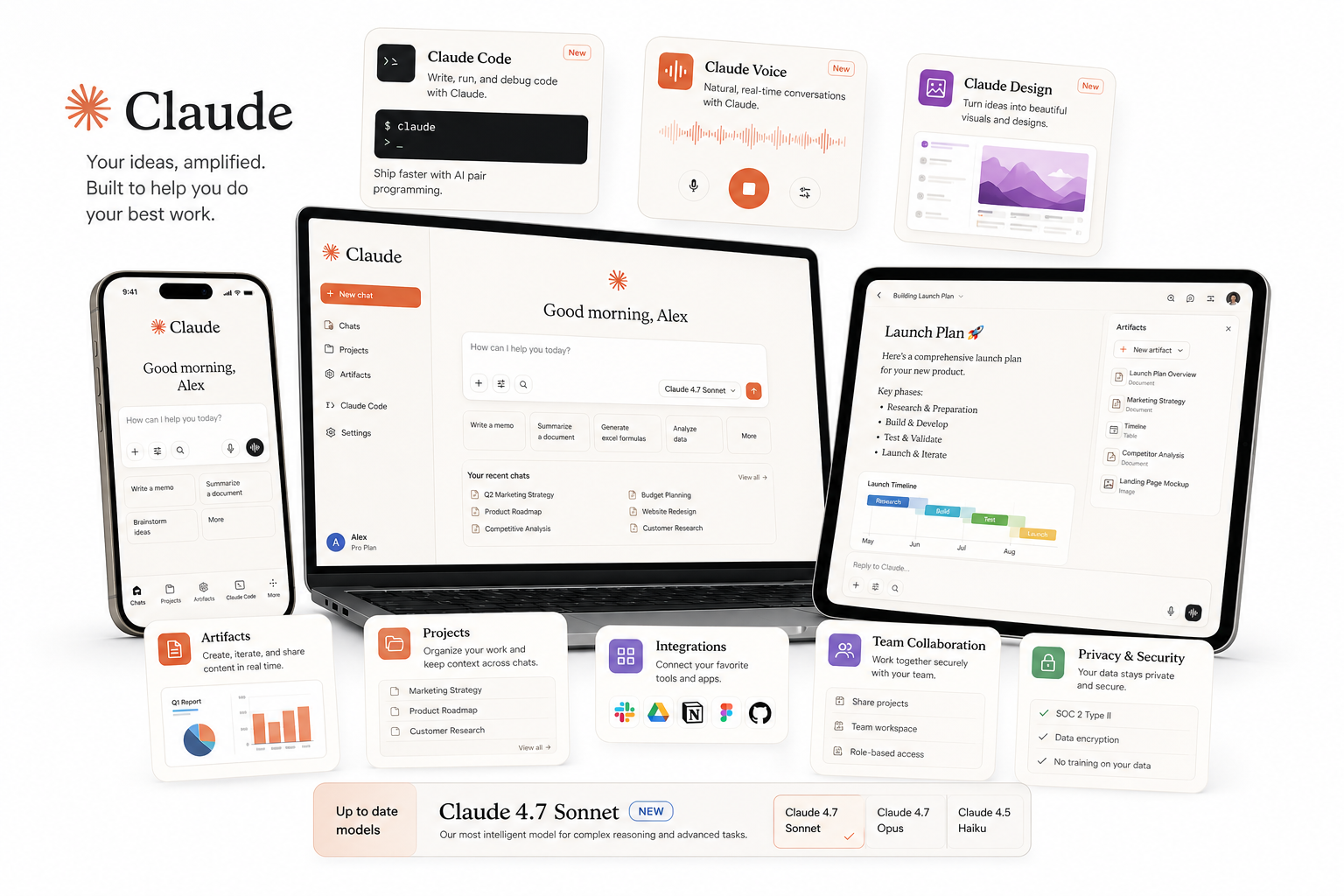
3. Claude
This tool is best for students who do a lot of writing-heavy work. It is both generous (15-40 messages per 5 hours) and pretty capable on the free tier. As of today there are no public user numbers, but Anthropic has reported steady growth.
It runs on Claude Sonnet 4.6 and includes long-document handling that's better than any other free chatbot. The capabilities include essay feedback, summarizing dense readings, and natural-sounding writing.
Some universities (Northeastern, LSE, and a growing list) also offer something called campus-wide free Claude access. It's like a free upgrade for the entire student body, get it? ;) It means you'd get higher message limits and full Pro features just by being enrolled. Of course it depends on whether your school has signed a deal.
What I found interesting is that when we expanded our prompt library to support Claude last year, we had to rewrite every single prompt. Same words, different platform, completely different outputs. That's not very transferable.
They also promise they will improve Claude over time even after you've used it for months. This is nice.
But...
I looked at Claude's math performance and sadly it's not great. (Dear students, don't take it the wrong way! I'm trying to be objective here.)
For a tool with this much writing capability there's a lot of VERY obvious things that are not that great when you ask it to compute. Off-by-one errors. Skipped coefficients. Confidently wrong answers.
I seriously don't know how a model this good at language can be this shaky at numbers. And why students keep using it for math anyway?
The tool itself is not bad, the writing capabilities are excellent and show deep understanding of language.
I wouldn't use it for math though. If they release a calculator add-on I'll be happy to update the article.
4. Perplexity AI
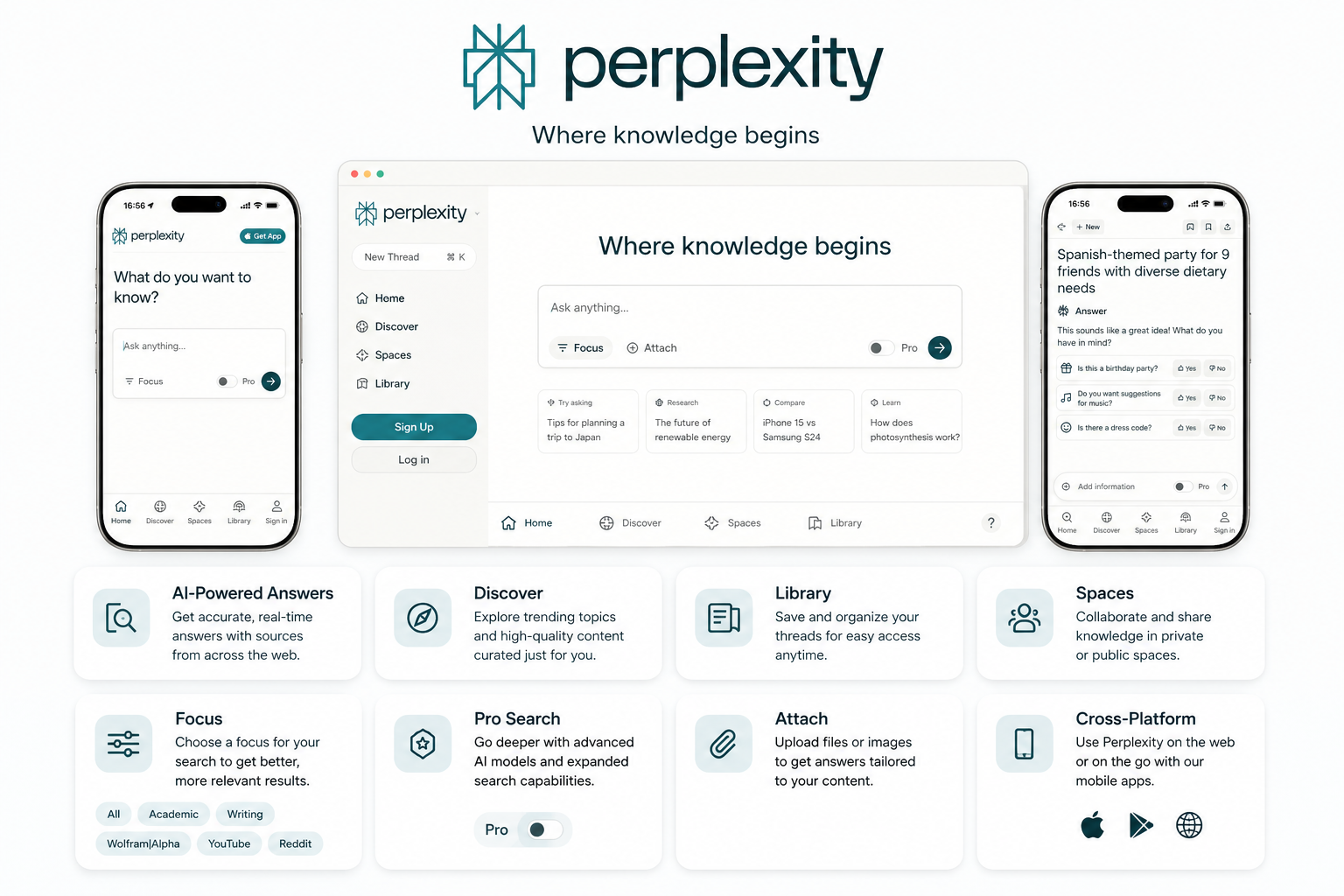
This is a "research-first" search tool that gives you answers backed by inline citations. They claim it's used by millions of students for academic work.
It works for research papers, fact-checking, and getting summaries with sources you can actually cite. Tools include standard search, Academic mode, and Pro Search if you upgrade.
There's also a hidden feature most people miss. Toggle on "Academic" mode and it prioritizes peer-reviewed sources and academic databases. Now this is one of the most useful things to learn.
Citation accuracy is an often complex process and it can vary widely between AI tools. Chances are you've seen ChatGPT make up sources (I've seen it in action plenty), but be aware this is one of the biggest reasons students get flagged for academic dishonesty.
With real research papers you usually learn the hard way after doing a couple of them with fake citations. And they don't really get "easier" until you switch tools.
Price wise it's free for the standard plan, which is plenty for most assignments. The Perplexity Education Pro plan is $10/month which is half off the standard price. In this case they do showcase student use cases on their site.
That makes it easy to assess what kind of quality of research you'll get.
It is a popular tool and many students use it. I suggest you do further testing though. They have a free tier — you can try it before you pay.
Then judge for yourself.
5. Wolfram Alpha
This is one of the most respected computation tools in the world. Mainly because it's the engine behind Mathematica. It's the tool that popularized symbolic math computation and has been refined since 1988.
Even if you don't plan to use it daily, definitely do try it for any assignment with serious math. The platform has gone through a couple of revisions since it was first launched in 2009.
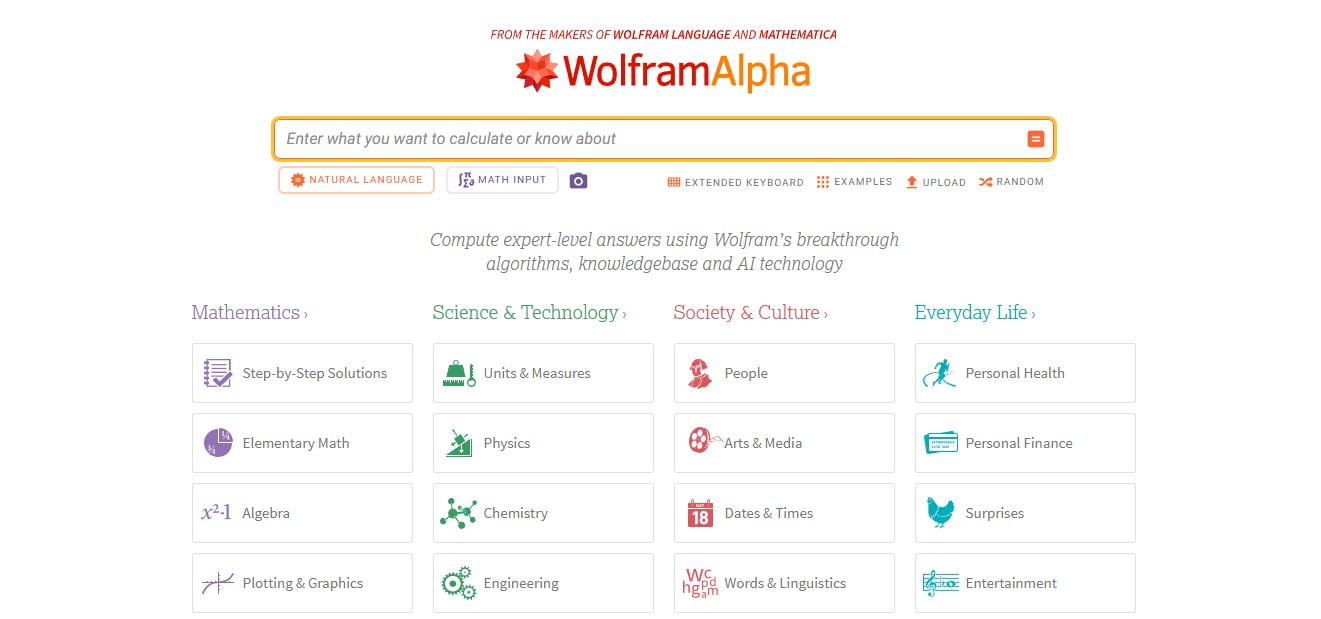
It's great for students who need correct answers. You get the final answer for free and pass through actual algorithms — not predictions like with chatbots.
It's not the best for explaining concepts because it doesn't really teach. It just solves.
If you already know the basics and want a reliable calculator, this is a great choice. And out of all the AI-adjacent tools, this one actually delivers correct answers every time.
The free version is solid at $0 for basic answers. You can also get Pro at $7.50/month with student verification on Student Beans, UNiDAYS, or SheerID. Keep in mind that while Wolfram is the GOAT of computation, it's not particularly known for good UI. And the website itself seems to prove this a bit.
6. NotebookLM
NotebookLM is also a very well known place to study with AI. Google released it for free, no strings attached.
They claim it's used by hundreds of thousands of students, which is a huge number — definitely one of the top in this category. They charge $0 per year for the basic version, or NotebookLM Plus included free if you have the Google AI Pro student deal.
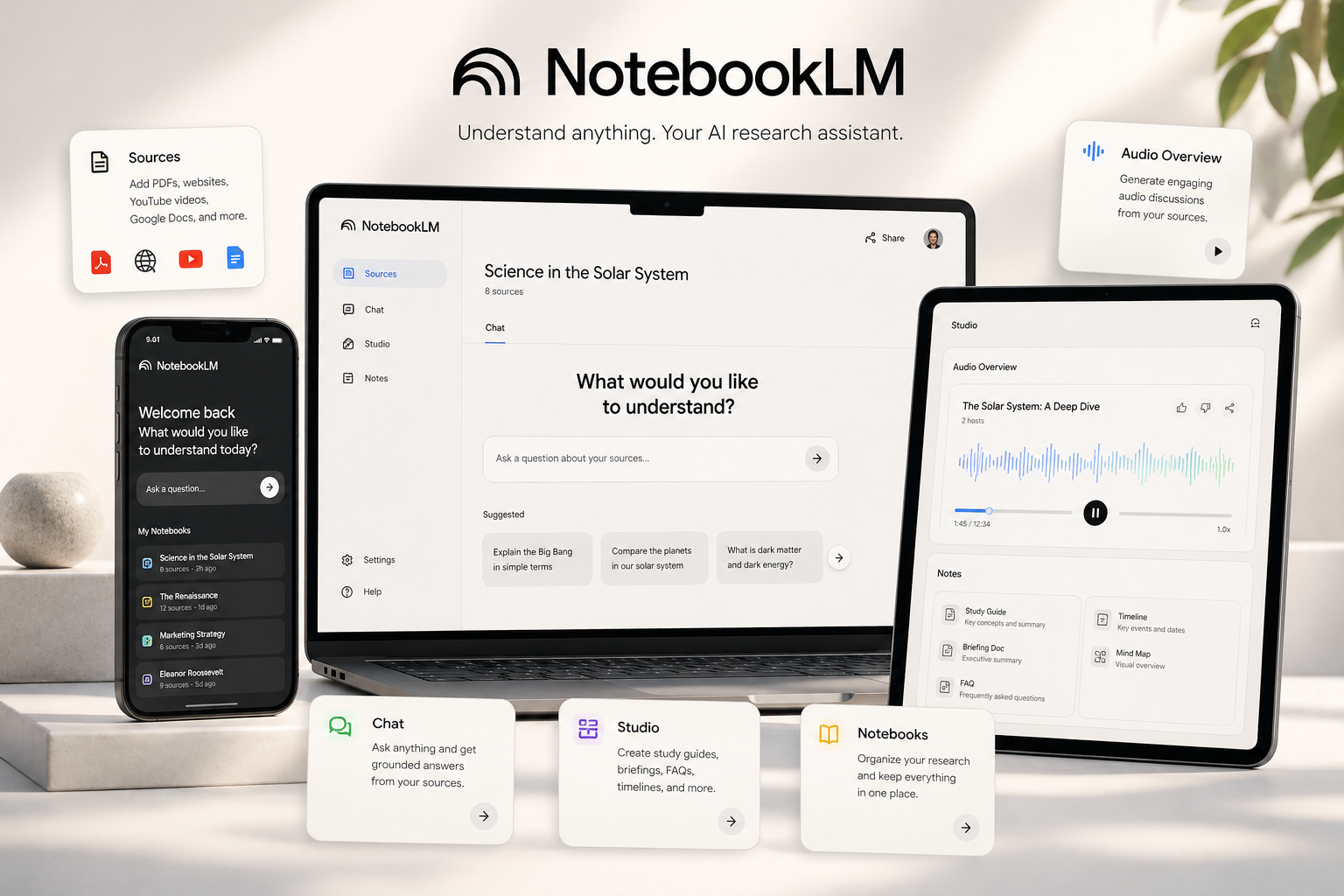
You upload your lecture notes, PDFs, slides, or YouTube transcripts. It builds an AI that only knows your material. That is a pretty good offer and for free it's a lot more useful than many of the chatbots.
NotebookLM and Vertech?
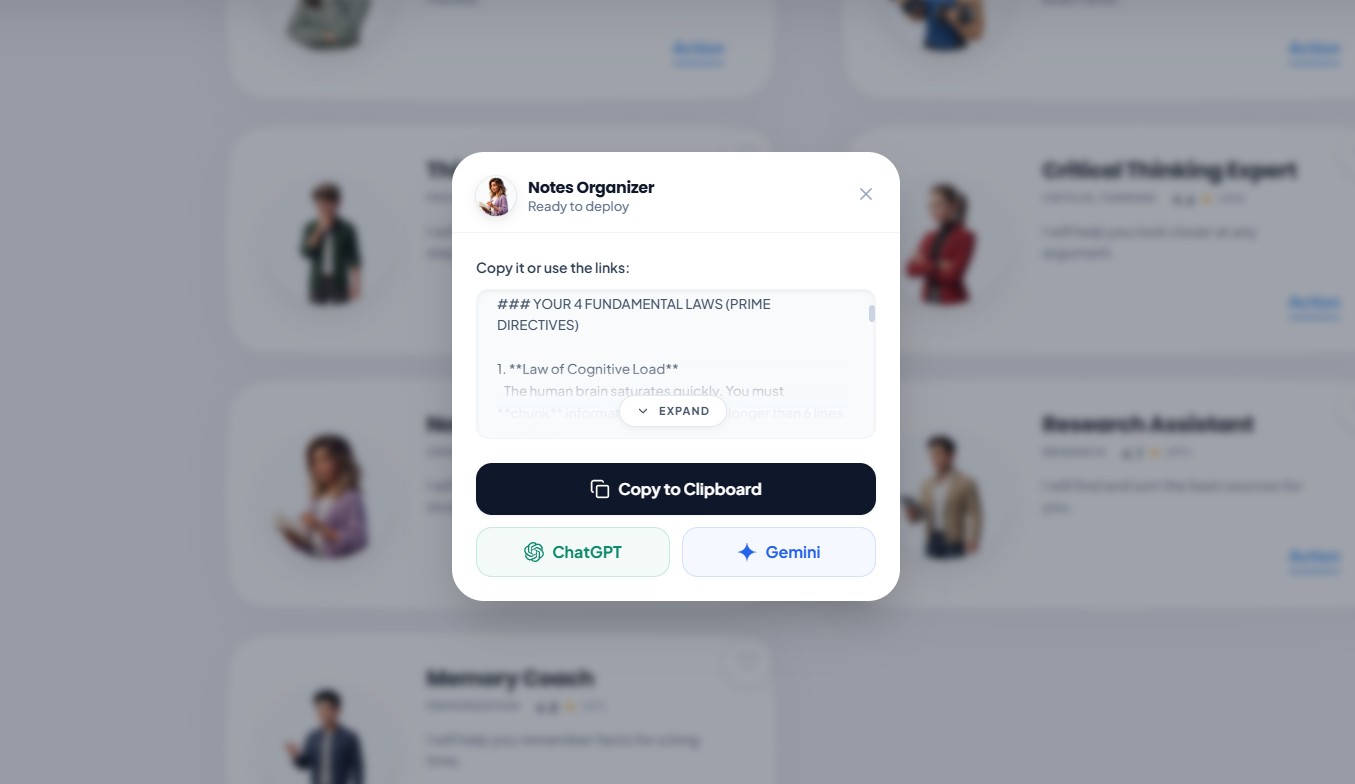
There's a funny story with NotebookLM and us. After we launched our Notes Organizer prompt, students messaged us saying they'd combined it with NotebookLM uploads and gotten significantly better results. So we tested it ourselves and... they were right. We then added a guide on how to combine them. Since then it's become one of our most-used recommendations.
This is a great combination and we now suggest it to all our students. Kudos to the students who figured it out first!
They also have an audio overview feature that I was skeptical of at first. It generates a podcast-style breakdown of your material that you can listen to while commuting or working out. Above you can see the play button and the generated summary length.
That audio feature however is not a replacement for actually reading, only a high-level look at some key concepts. It gives you context that's useful, but you don't get deep understanding from listening alone. It's also NOT meant to replace your textbook. It just helps you remember what you've already studied.
7. Canva + Grammarly (the supporting cast)
These two get bundled because they're not the main characters of your AI stack. They're the cleanup crew at the end.
Canva handles presentations. The free tier is solid — over 250,000 templates, and Magic Studio turns bullet points into a slide deck in seconds.
If your school has Canva Campus, you get the full premium version free. Otherwise, sign up with your .edu email — some universities unlock Pro features automatically.
Grammarly catches grammar, tone, and style issues as you type. Runs in your browser and inside Google Docs. The free version covers what you need day to day.
A lot of schools also give you Grammarly Premium for free through institutional licenses. Check with your writing center before paying for it.
These tools aren't here to write your work for you. They clean up the boring stuff so you can focus on the actual thinking.
Which AI Tool Should You Choose?
Don't get me wrong. These are all solid choices! They've been around (in their current form) for a while and are known for actually helping students.
However, in many of them the prompting component is often underrepresented. That usually happens because students focus on which tool to use and leave the prompting part to chance.
All the tools also work better when you give them clear context. I especially liked the long-context handling on Claude. The math on ChatGPT, not so much. But the rest is solid.
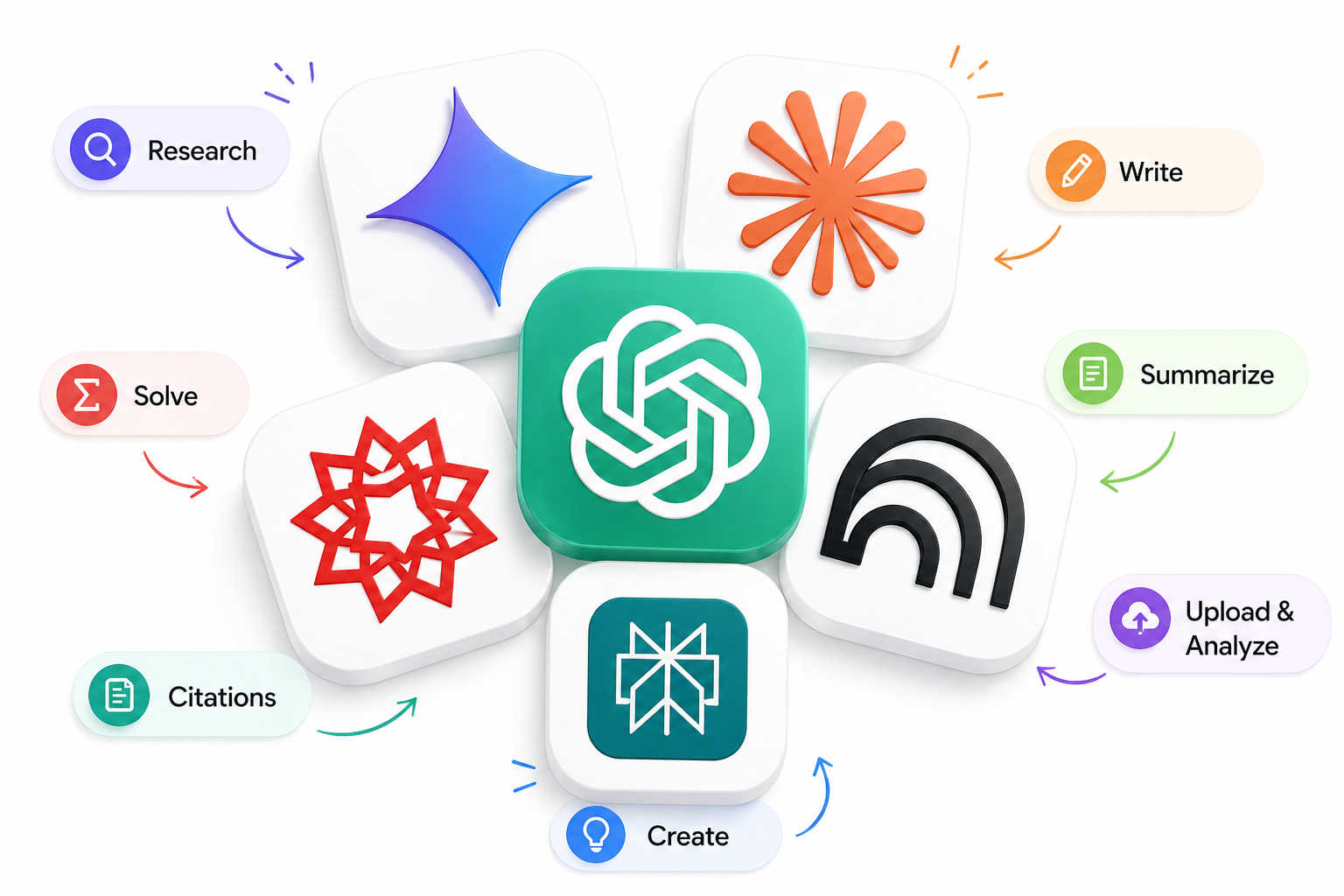
But here's what none of these tools will tell you: the tool doesn't matter if you don't know how to use AI well.
That's the actual skill. Knowing how to prompt, how to think with AI, and how to get output that's actually useful — not just fast.
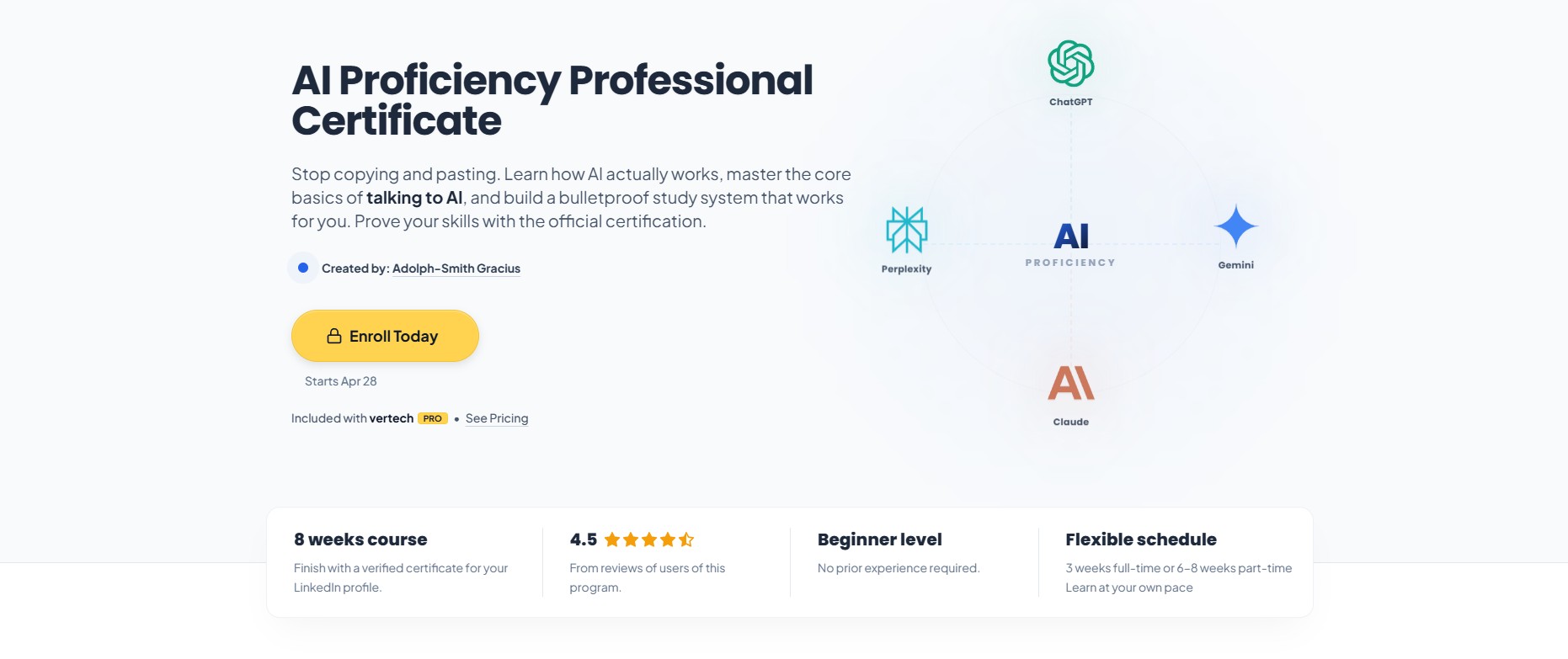
We built an AI Proficiency Certification Course for exactly this. It has real exercises, not just theory. You learn how AI works, how to apply it to your studies and your career, and you walk away with a Certificate of Completion.
That certificate tells your school, your future employer, or your clients one thing: this person knows how to use AI ethically, efficiently, and at a level most people can't touch.
And honestly — even our free plan has more real value than what a lot of people out there pay hundreds of dollars a month for. We built it that way on purpose, for students like you.

There is a smarter way though
If you're just starting, Google Gemini's free tier is an affordable and easy option. Use it for general explanations and don't worry about paying for Pro yet.
Then practice prompting at vertechacademy.com with our structured study prompts. The first few prompts are completely free. Easy to get started. And structured prompts are a much better way to learn because they teach you how to think with AI, not just get answers from it.
The Free Plan: You get our 3 core study prompts. These aren't throwaways — they are teacher-approved prompts proven to actively boost your grades.
The PRO Plan: You unlock the entire toolkit. That means full access to the always-up-to-date prompt library, specialized exam prep tools, and a bunch of other perks.
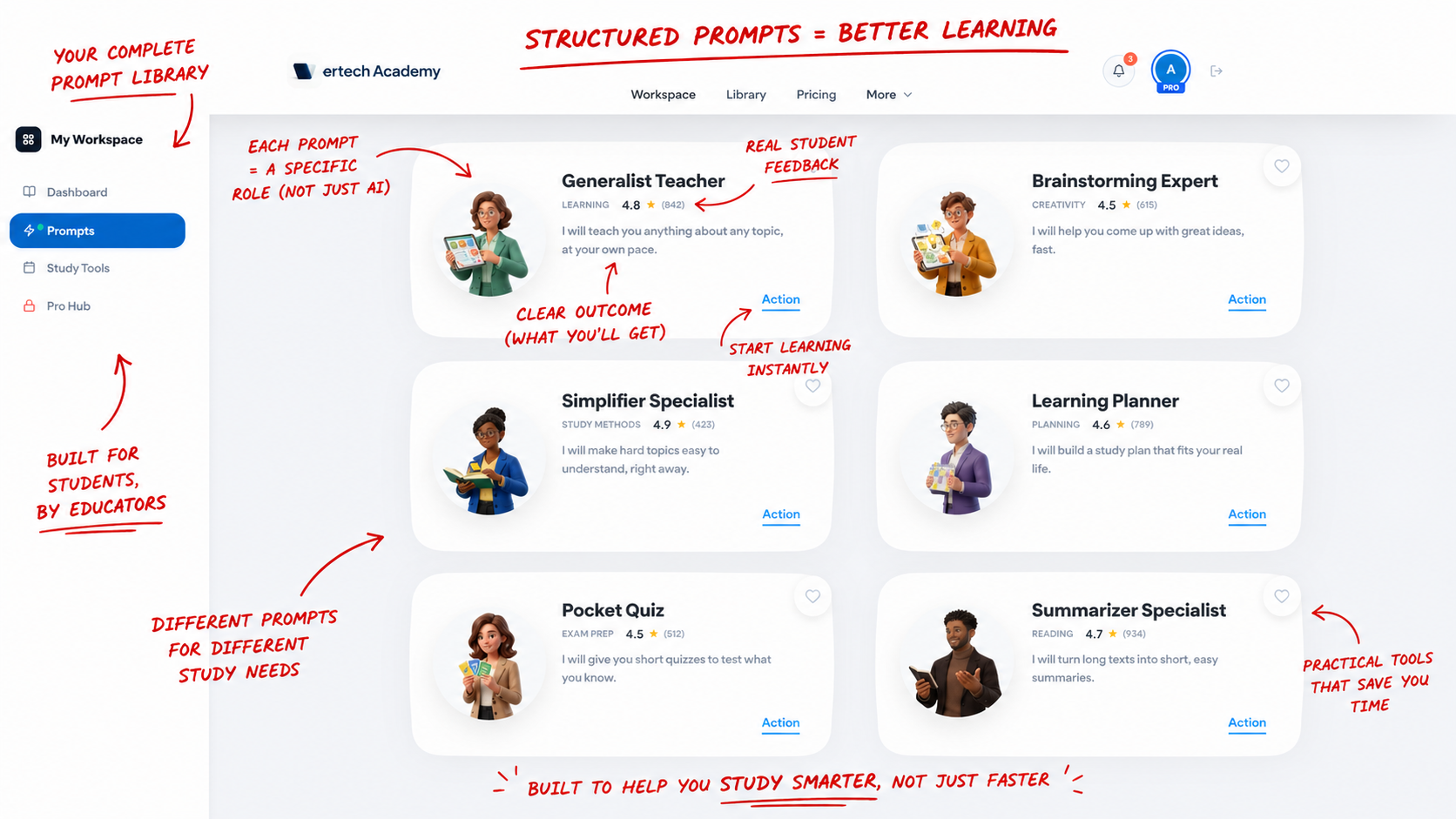
Oh, and one of the coolest PRO features? Every 3 months, you can request 1 custom prompt built by us, from scratch, just for your specific study needs.
Whichever path you choose, start small and expand your workflow with other free tools from the list above when you hit an actual bottleneck.
My suggestion for 2026 is this:
1. Use Google Gemini's free tier to grasp the basics of working with AI.
2. Learn proper prompting right here either free, or with a $10 PRO plan.
3. Get the practice in and PRO's get to request custom built prompts.
4. Expand with other tools made by specialized AI companies like Perplexity for research.
That way you don't overspend and can learn valuable skills with guidance.
That is always the best path!

Liked the article? Share it!

